


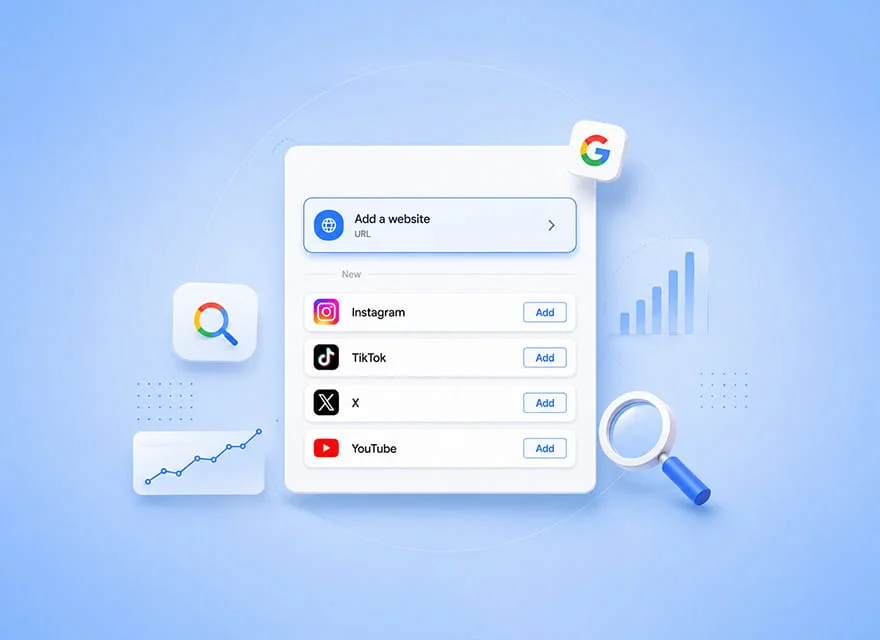
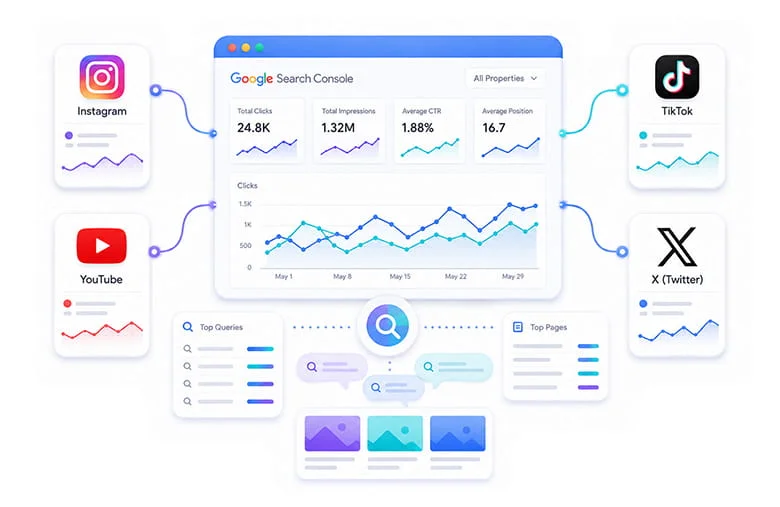
Google Search Console is no longer limited to analyzing the performance of your website pages. With the introduction of Platform Properties, Google now allows users to connect Instagram, TikTok, X, and YouTube accounts to Search Console. This enables website owners, content creators, and brands to track how their…
This feature was first introduced on July 7, 2026, and became globally available to all users on July 29. It allows you to analyze clicks, impressions, search queries, top-performing content, and the growth trends of posts and videos across Google Search, Discover, and Google News.
But what information does Platform Properties actually provide? Does adding a social media account to Search Console improve rankings? How can you connect a YouTube or Instagram account and use its data for SEO, content creation, and increasing website traffic? In this guide, we take a complete look at this new feature.
What Are Platform Properties in Google Search Console?
Platform Properties are a new type of property in Google Search Console. Instead of connecting Search Console to a domain or website URL, this property type connects to a user’s account on one of the supported social media platforms. Until now, Search Console reports primarily focused on website URLs. With this update, a YouTube channel or social media account can also be selected as an independent property, allowing you to analyze how its content performs in Google search results.
This change gives brand managers and content creators a clearer view of how their videos and social posts appear across Google Search, Discover, and Google News. Website search data and social media search data no longer have to be analyzed in complete isolation and can instead be evaluated through a more consistent analytical workflow.
Which Social Media Platforms Can Be Connected to Search Console?
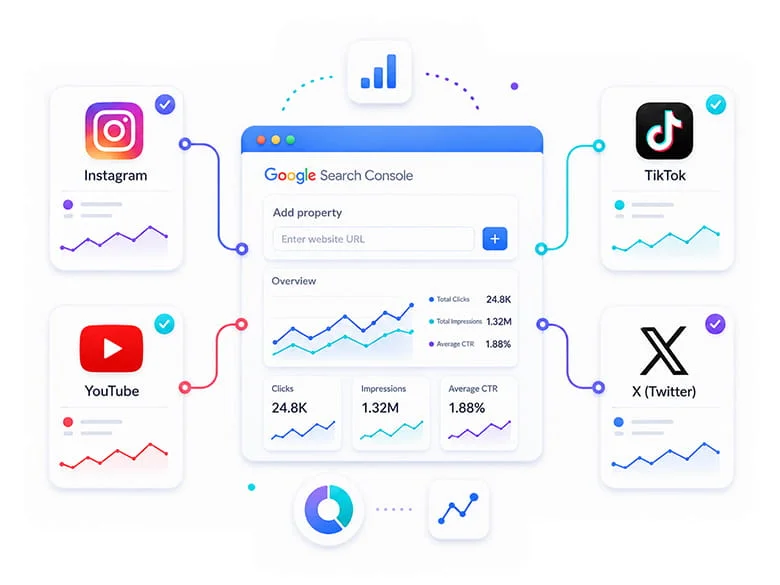
In the current version of Platform Properties, Google supports connections to Instagram, TikTok, X, and YouTube. Each account or channel must be added as a separate property. Therefore, if a brand manages multiple YouTube channels or Instagram accounts, a separate connection must be created for each one.
- TikTok
- X
- YouTube
This structure allows clicks, impressions, search queries, and top-performing content to be analyzed separately for each account. As a result, data from two different channels or accounts is not combined, making it easier to evaluate the performance of each property accurately.
Which Platforms Are Not Yet Supported?
Platforms such as LinkedIn, Facebook, Telegram, and Aparat are not currently included in the official Platform Properties list and cannot be added to Search Console as independent properties. Google may support additional platforms in the future, but only the four announced networks are currently available.
The absence of a platform from this list does not mean its content has no presence on Google. Public pages from that platform may still appear in search results, but there is currently no option to create a dedicated property and access a separate performance report for them.
Do You Need a Website to Use Platform Properties?
This feature is not limited to website owners. Creators whose primary activity takes place on social media can use it as well. For example, the owner of a YouTube channel or Instagram account can analyze how their content appears in Google results even without having a personal website.
Google’s primary goal with this change is to provide a more unified view of how creators appear in search. Platform Properties can therefore become an important analytics resource for brands, influencers, educators, publishers, and businesses that publish a significant portion of their content outside their websites.
What Social Media Data Appears in Search Console?
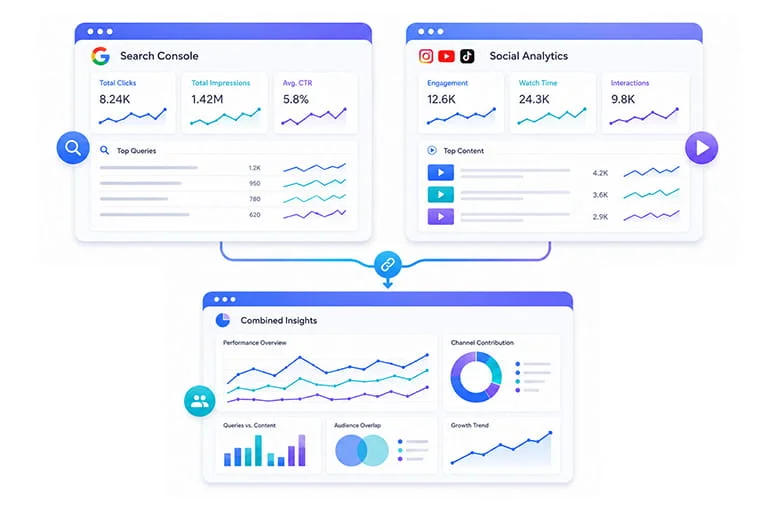
Platform Properties reports focus on how social media content appears across Google services. They do not report the content’s internal performance on the social platform itself. Therefore, the data shown in this section only relates to the visibility of your posts and videos in Google Search, Discover, and Google News.
For example, if a YouTube video appears in Google results, Search Console can record its impressions and clicks. The same applies to Instagram posts, TikTok videos, and content published on X, with each account’s data appearing under its own property. The main reports available in this section include:
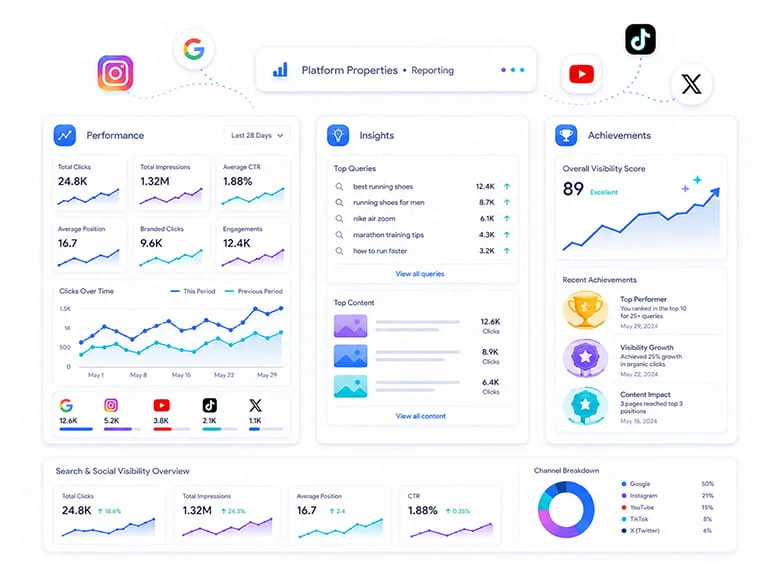
Performance Report
This report includes metrics such as clicks, impressions, click-through rate, and average position. You can also filter data by date, search query, country, device, and content URL. It can help answer questions such as:
- Which video or post receives the most traffic from Google?
- Which search queries lead users to the content?
- Which content performs better on mobile devices?
- Which countries account for most of a post’s audience?
- Which content receives many impressions but relatively few clicks?
Insights Report
The Insights report provides a simpler and more visual overview of content performance. It allows you to review click trends over the past 28 days, top content, leading countries, and groups of search queries. Search queries appear in categories such as Top, Trending Up, and Trending Down. These groups help you identify topics that are gaining momentum and subjects that are receiving less user interest.
Achievements Section
The Achievements section highlights major performance milestones, such as exceeding a specific number of clicks during the previous 28 days. This section is primarily useful for tracking growth and recording account milestones. It is not a replacement for the more detailed Performance or Insights reports.
What Internal Social Media Data Does Search Console Not Show?
Platform Properties do not replace the analytics tools provided by social media platforms because Search Console only analyzes content performance across Google services. Metrics such as YouTube watch time, Instagram likes and saves, or TikTok feed impressions are therefore not included in these reports.
For a complete performance analysis, you still need tools such as YouTube Analytics, Instagram Insights, and TikTok Analytics. Search Console shows which queries users searched before reaching your content from Google, while each platform’s internal analytics tools show user behavior after arrival, engagement levels, and continued viewing activity.
The best approach is to analyze Search Console data alongside the social platform’s own analytics so you can understand both the user’s acquisition path and their behavior after viewing the content:
- Search Console shows which queries users searched before arriving from Google.
- The platform’s internal analytics show what users did after arriving.
- Website analytics tools show whether users later reached your website, a product page, or a registration form.
How to Add Instagram, YouTube, TikTok, and X to Search Console
Creating a Platform Property is generally similar to adding a website to Search Console, but the ownership verification method is different. Instead of using DNS records, an HTML file, or a meta tag, ownership of the account or channel is verified by signing in to the relevant platform and approving access.
After ownership has been verified, the social media account appears as an independent property in Search Console. Its impressions, clicks, and search query data will gradually become available. Follow these steps to add a social media account:
- Sign in to Google Search Console.
- Open the property selector at the top of the left-hand navigation panel.
- Select Add property.
- Under Select a property type, choose Instagram, TikTok, X, or YouTube.
- Click Add.
- Sign in to the corresponding platform account and approve the connection.
- After ownership is verified, select Go to property.
Google may verify ownership through a direct sign-in to the platform or, in some cases, through an automatic connection with an existing Website Property. It may also take several days for data to appear.
If you have already activated a Google Search Profile for your brand or account, your verified accounts may have been added to Search Console automatically. In that case, simply select the relevant social media property from the side menu.
Does Connecting a Social Media Account to Search Console Improve Rankings?
Adding a social media account to Search Console does not directly improve rankings, speed up indexing, or increase content visibility. Google has also explained that creating a property only provides access to reporting and analytics data. It has no direct effect on the ranking of a website or social account in search results.
Platform Properties should therefore be viewed as a measurement and decision-making tool, not as a direct method of improving rankings. The primary value of this feature lies in the data it provides about content visibility, search queries, and user behavior for SEO and content teams.
What Data Can Help You Improve Content?
By reviewing Platform Properties reports, you can identify which posts and videos Google displays most often, which queries users search before reaching the content, and which topics are growing or declining. This information can also show which titles, formats, or content types generate a higher click-through rate.
- Content with the highest impressions and clicks
- Queries users searched to find the content
- Topics that are trending upward or downward
- Formats that generate a higher click-through rate
- Content that needs to be updated, expanded, or republished
Connecting a social media account does not directly change its rankings, but it provides data that can help you make more informed decisions about topic selection, title optimization, publishing schedules, and SEO strategy.
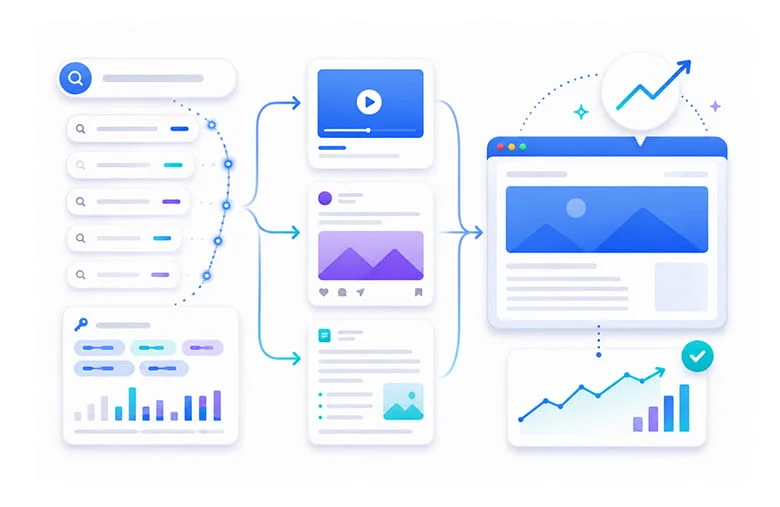
How to Use Search Queries for Content Creation
One of the most valuable parts of Platform Properties is the list of queries users searched before reaching your post or video. Unlike assumptions or guesswork, this data is based on real user behavior in Google results and can help shape your future content strategy.
Suppose you publish a video about improving WordPress speed and discover in Search Console that users also reach it through queries such as “speed up an ecommerce website” or “reduce mobile page load time.” These queries show that your audience is interested not only in the main topic but also in more specific related subtopics.
Turning Queries Into New Content Ideas
Each valuable query can become a new video, a complete article, a service page, or short-form social media content. You can also use this data to improve existing content and align its title and description more closely with the user’s actual needs.
- Create a new video about a growing query
- Improve the title and description of existing content
- Add a related phrase to the caption or hashtags
- Publish a complete article on the website
- Create a relevant service page or landing page
- Repurpose the topic for other social media platforms
Reviewing Query Groups that are trending upward or downward helps you choose future topics, captions, and even hashtags based on real data. Your content strategy will no longer depend only on keyword research tools or competitor ideas.
Identify Trending Content With the 24-Hour Filter
The 24 Hours filter in the Performance report allows you to quickly review the results of newly published content. It can help you identify, within the first few days, which queries are generating impressions for a post or video and whether the data shows signs of unusual growth.
If a piece of content suddenly starts receiving traffic from a specific query, you can expand the same topic across other channels. For example, if a YouTube video about a new tool begins gaining momentum, you can create a shorter version for Instagram or TikTok and publish a related article on your website.
Combine Search Console Data With Google Trends
A sudden increase in content performance does not always mean that the individual post is uniquely successful. The broader topic itself may be trending. Comparing data from the 24-hour filter with Google Trends helps determine whether the search increase is specific to your content or reflects growing overall demand for the topic.
This comparison is especially important when deciding how quickly to produce supporting content. If the subject is gaining broader interest, quickly publishing a video, article, or short-form post can help your brand capture a larger share of user attention.
Compare Short-Form and Long-Form Videos on YouTube
Platform Properties are not only useful for identifying top-performing content. They can also be used to compare different content formats. Within a YouTube property, you can compare long-form videos and YouTube Shorts based on impressions, clicks, and traffic received from Google.
To do this, compare URLs containing /watch with URLs containing /shorts/. The results show which format performs better in Google Search and which queries users use to discover each type of content.
Compare Standard Instagram Posts and Reels
Within an Instagram property, you can also compare URLs containing /p/ with URLs containing /reels/. This data shows how much of each format’s Google impressions and clicks come from standard posts versus Reels and which format is more suitable for different topics.
This comparison can help answer questions such as:
- Do short videos appear more often on Google?
- Which format has a higher click-through rate?
- Which content type performs better in the target country?
- Which format do mobile users select more often?
- Should long-form content be divided into several short videos?
The results can influence your content production plan. A comprehensive tutorial may generate strong Google traffic as a long-form video, while a condensed version of the same tutorial may be more effective for reaching new users through Shorts.
Compare Performance Across Multiple Social Media Platforms
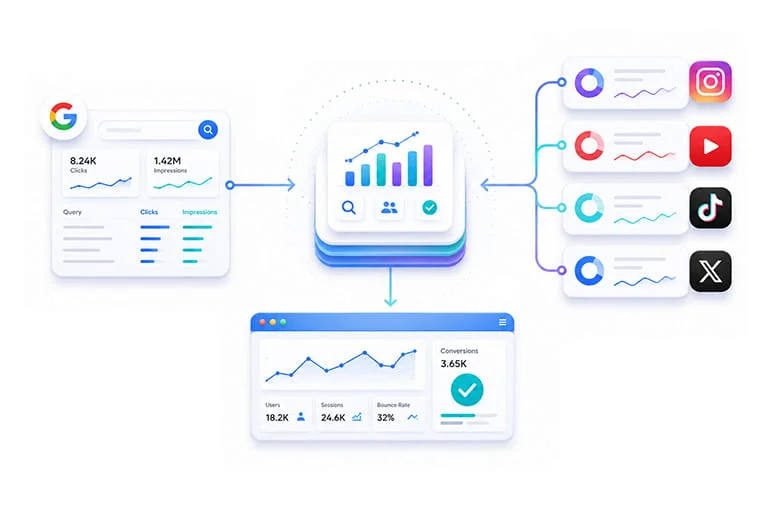
Each social media account is reported as an independent property, and data from multiple platforms is not automatically combined into a single report. To compare YouTube, Instagram, TikTok, or X, you need to export the data from each property and place it in a shared spreadsheet or analytics dashboard.
This comparison shows the role each platform plays in making your brand visible through Google. A topic may generate substantial traffic on YouTube and contribute to increasing your YouTube views, while a short version of the same topic may perform less effectively on TikTok or Instagram.
Which Metrics Should You Compare Across Platforms?
For a more accurate comparison, do not analyze clicks alone. Consider metrics such as impressions, queries, country, device, and content format as well. These data points help you connect performance differences to content structure, audience type, or the way the topic is presented.
- Clicks received from Google
- Impressions for each platform
- Search queries
- User countries and devices
- Short-form and long-form content performance
- Successful topics on each social media platform
If a long-form YouTube tutorial receives significant traffic but its short TikTok version performs poorly, you do not necessarily need to abandon the original topic. Adjusting the angle, caption, opening hook, or visual structure may produce better results for that specific platform.

Social Media Services
If you want to gain targeted followers, views, likes, and comments for your account, Seovisitor’s social media services are an ideal solution.
How Platform Properties Connect SEO and Website Traffic Growth
Platform Properties reduce the gap between SEO and social media marketing because Search Console can now show part of the user’s journey from Google Search to a social post or video. This data reveals which topics published outside your website are also attracting interest from Google users.
However, this change does not mean likes, followers, or shares have become direct ranking factors. The primary purpose of the data is to understand search demand and create content that meets user needs across both your website and social media channels.
Turn Successful Social Content Into a Website Traffic Opportunity
If a YouTube video receives high impressions for a specific query, you can turn the same topic into a complete article, service page, or landing page. Embedding the video in the article and linking from the video description to the website can then create a stronger connection between the two channels.
- Publish a complete article about the same topic
- Embed the video in the website content
- Link from the video description to the relevant page
- Repurpose a short version for Instagram or X
- Analyze website user behavior in Analytics and Clarity
This process turns social media from a purely engagement-based channel into part of your website traffic growth strategy. Within this structure, every successful social post can create a new opportunity to attract users to your website pages.
Buy Website Traffic
If you want to increase your website traffic through targeted campaigns and support stronger website performance, Seovisitor’s website traffic service is available to help.
Use Social Data to Increase Google Traffic
Platform Property query reports are not limited to improving a post or video. They can also become part of the website keyword research process. Some queries may not be clearly visible in conventional keyword research tools, even though real users have used them to reach the brand’s social content.
In some cases, a user searches for a phrase and reaches a YouTube video or social media post instead of a website article. This may indicate that the website lacks a suitable page, the existing page is weak, or a video format is more appealing for that topic.
Treat Every Query as a Content Opportunity
For each valuable query, determine whether the website has a dedicated page for the topic and how closely the existing content matches the user’s search intent. In some cases, creating a new page is necessary. In others, expanding an existing article and adding a video may produce a better result.
- Does the website have a dedicated page for this topic?
- Does the existing content match the user’s search intent?
- Can the video be embedded in the article?
- Is a new landing page or article required?
- Should the page title and video title be more closely aligned?
- Can users be guided from the video to the website?
Combining Website Property and Platform Property data creates a more complete picture of how users discover the brand on Google. This approach helps identify which topics perform better on the website and which ones gain more visibility through social media.
Buy Organic Traffic
If you want to increase your website traffic through Google and have a targeted impact on Google’s algorithms, use the increase Google traffic Seovisitor service.
How to Reactivate Older Content
Some older content may reappear in Google results because of breaking news, seasonal changes, a new product launch, or an emerging public trend. Platform Properties can help identify this sudden growth through an increase in impressions or clicks.
When older content begins receiving attention again, it is better to use the opportunity to create or republish related content rather than leaving the original post untouched. The appropriate action should depend on the cause of the growth and the current condition of the post or video.
Ways to Reuse Older Content
You can pin older content to the top of your profile, create an updated version, or republish the topic on other social platforms. Updating the title, caption, and sources can also make the content more relevant to current user needs.
- Pin the content to the top of the profile
- Republish it on other social media platforms
- Create a second part or expanded version
- Update the title or caption
- Add new explanations and sources
- Create a related website article
- Convert the video into a shorter or more comprehensive format
You can record the date of title, caption, or other content changes with an Annotation so their effects can be compared over the following days and weeks. This helps determine whether the renewed growth resulted from a broader trend or whether your changes also contributed to the improvement.
Common Mistakes When Using Platform Properties
To interpret the data correctly, you also need to understand the limitations of Platform Properties. Many inaccurate conclusions arise when Search Console data is treated as equivalent to a social platform’s internal metrics or when connecting a property is assumed to be a direct ranking factor.
Confusing Search Console With Social Media Analytics
Search Console only reports content performance across Google services. It does not report metrics such as watch time, retention, likes, shares, or followers. You still need the platform’s own analytics tools to analyze those metrics.
Assuming a Property Directly Affects Rankings
Adding a social account to Search Console does not create a ranking benefit or cause the content to appear more often. The feature’s value comes from the data it provides for content optimization and decision-making.
Directly Comparing Different Types of Impressions
An impression in Search Console is not defined in the same way as an impression inside Instagram, YouTube, or TikTok. One relates to content appearing across Google services, while the other measures activity inside the social platform. These numbers should therefore not be compared without considering their source.
Not Adding Every Brand Account
If you manage multiple Instagram accounts or YouTube channels, each one must be added separately. A single property’s report does not include the performance of other accounts belonging to the same brand.
Account Connections Becoming Disconnected
For security reasons, Google periodically verifies account ownership. Property access may be interrupted after a sign-in authorization expires. Verifying the account again will restore access to the same property and its previous reports.
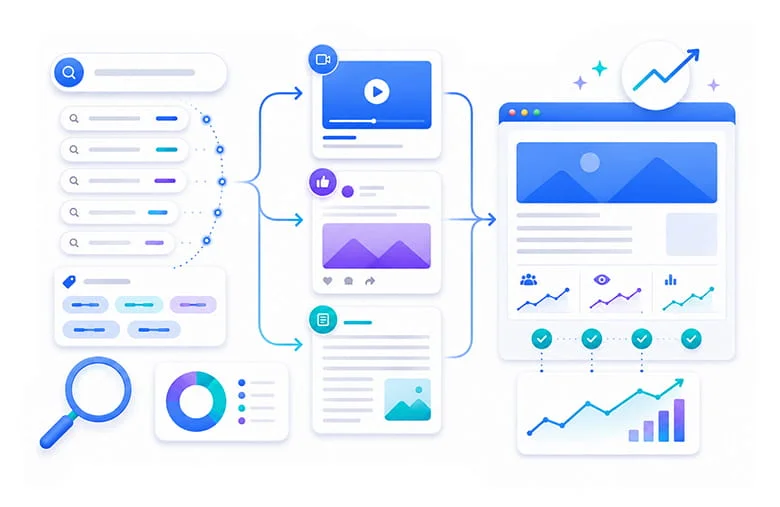
A Four-Week Plan for Using the New Search Console Update
After connecting your accounts, review the data according to a defined plan so changes are not made randomly or without a reliable basis for comparison. A four-week period can be used to establish a baseline, identify opportunities, implement improvements, and evaluate the results.
Week One: Establish a Baseline
During the first week, add every active account and record the current number of clicks, impressions, queries, countries, and devices. This information will serve as the baseline for comparing future changes.
Week Two: Identify Opportunities
Find posts and videos with high impressions but a low CTR. Also identify growing queries and older content that has started appearing again so you can prioritize optimization opportunities.
Week Three: Optimize the Content
Improve video titles and descriptions, captions, hashtags, and related website pages based on the data collected during the previous weeks. Record the date of each change so its effect can be identified in future reports.
Week Four: Compare and Expand
Compare performance before and after the changes and determine which improvements produced better results. Expand successful topics and redesign content that performed well on one platform so it fits the structure of other social networks.
Conclusion
Platform Properties are one of the most important Search Console updates for content creators, social media managers, and SEO teams. For the first time, the feature makes it possible to independently analyze the performance of Instagram, TikTok, X, and YouTube accounts across Google Search, Discover, and Google News.
This update does not directly improve rankings or increase views, but it provides valuable data about search queries, top-performing content, growth trends, user countries, and device categories.
Brands can use this data to select new topics, improve titles and captions, compare content formats, expand successful videos, and guide users to their websites. The most important opportunity created by this update is a more precise connection between SEO, website content creation, and social media activity.
Frequently Asked Questions
Quick answers to common questions about Google Search Console Platform Properties
The article's current Platform Properties list includes Instagram, TikTok, X, and YouTube. Each account or channel is added as a separate property so its clicks, impressions, queries, countries, devices, and content URLs can be analyzed independently.
Open the Search Console property selector, choose Add property, select a supported platform, sign in to the corresponding account, approve the connection, and complete ownership verification. Data may take time to appear after verification.
No. Adding a Platform Property provides reporting access and does not directly improve rankings, indexing, impressions, or views. Its value is the search data that can guide content and optimization decisions.
Platform Properties can show Google clicks, impressions, click-through rate, average position, search queries, countries, devices, content URLs, trends, and top-performing content for the connected account.
No. Search Console reports visibility and clicks across Google services, not internal platform metrics such as likes, saves, followers, retention, or YouTube watch time. Use the social platform's own analytics for those measurements.
Use real search queries and top-performing social content to identify topics for articles, landing pages, videos, and cross-platform campaigns. Connect successful social content to relevant website pages and measure on-site behavior separately in analytics.
Platform Properties are Search Console properties for supported social media accounts or channels. They report how public posts and videos perform across Google Search, Discover, and Google News rather than only reporting website URLs.



Comments
Leave a Comment