


Learn 15 practical ways to increase Google traffic with search intent, technical SEO, better titles, internal links, content updates, and Search Console.
To increase Google traffic, a website must become eligible for search, match real search intent, earn useful visibility, and persuade the right people to click. Ranking is only one part of that journey. A page can rank and still receive few visits when its title is vague, its snippet does not match the query, or a more useful result wins the click.
The safest objective is qualified organic traffic: visits from people whose needs match the page and the business. Google does not sell better organic positions, and no SEO technique guarantees a ranking. Sustainable growth comes from helpful content, crawlable pages, clear presentation, relevant links, and continuous measurement.
What is Google traffic?
Google traffic includes visits from Google Search and can also include separate surfaces such as Discover or Google News. In Search Console, the Search results Performance report shows impressions, clicks, average click-through rate, and average position. An impression means a link was shown; a click means someone selected it.
Monitor trends in impressions and clicks rather than treating average position as a perfect rank. Position is averaged across different queries, locations, devices, and result formats. Analytics should then show what visitors do after they arrive, including engagement, key events, purchases, and qualified leads.

Bring search-focused visitors to priority pages while measuring engagement, conversions, and campaign quality.
Before trying to increase Google traffic
Choose the audience, pages, and outcomes that matter. Verify Search Console ownership, analytics, and conversion tracking. Record a baseline for impressions, clicks, CTR, average position, landing-page engagement, conversion rate, and revenue or lead quality.
Segment the data by query, page, country, device, and search appearance. A sitewide average can hide pages that are improving and pages that are losing qualified visibility.
15 techniques to increase Google traffic
The following techniques work together. Begin with discoverability and intent, improve the search result and landing page, then use evidence to repeat what creates qualified outcomes.
1. Fix crawlability and indexing
Use URL Inspection and the indexing reports in Search Console to confirm that Google can access priority pages. Review status codes, robots directives, canonical tags, XML sitemaps, redirects, duplicate URLs, mobile rendering, and orphan pages.
Every important page should be reachable through a normal HTML link from another discoverable page. A sitemap can support discovery, but it does not guarantee that a URL will be indexed or shown.
2. Map each page to search intent
Identify whether the user expects an explanation, tutorial, comparison, product, service, local result, tool, or direct answer. Study the current results and customer language, then make the page format and depth appropriate for that need.
The related keyword guide provides a practical foundation for choosing and organizing search topics.
3. Choose topics by value, not volume alone
Keyword estimates are useful for comparison, but they are not promises of traffic. Evaluate relevance, intent, commercial value, realistic competition, seasonality, and the site’s ability to produce a better resource. Long-tail queries often reveal a specific need, but they are not automatically easy.
4. Create people-first content
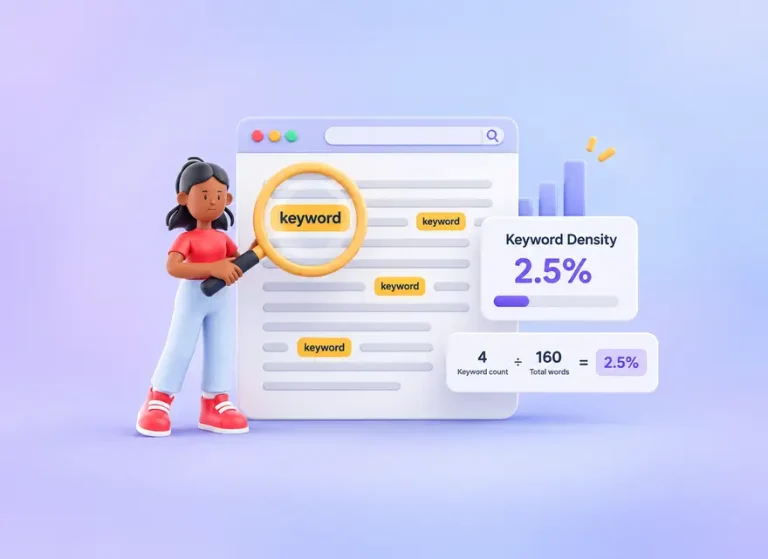
Answer the main question early, then add practical steps, examples, evidence, limitations, and decision criteria. Use descriptive headings and remove filler. Do not create content mainly to reach a target word count or repeat a phrase at a particular density.
Combine pages that compete for the same intent and create separate pages when the expected answer is genuinely different. A useful page should leave the reader feeling that the task or decision is clearer.
5. Write concise, descriptive titles
The title should accurately summarize the page, distinguish it from other results, and use natural language. Avoid keyword stuffing, boilerplate, exaggerated promises, and unnecessary length. Keep the visible H1 and SEO title aligned so the page sends a consistent signal.
The related SEO guide explains how titles, content, technical access, and links work together.
6. Improve snippets and click-through rate
Google primarily creates snippets from page content and may use the meta description when it is a better summary. Write a unique description that accurately explains the benefit and scope of the page. Match the opening paragraph to the same promise.
In Search Console, look for pages with meaningful impressions but weak CTR. Compare queries and devices before changing the title or description, then document the date so later performance can be evaluated.
7. Strengthen internal linking
Link from relevant established pages to important resources using descriptive anchor text. Internal links help users continue their journey and help search engines discover pages and understand relationships. Repair broken links and connect orphan pages.
8. Refresh content for a real reason
Update a page when facts, products, screenshots, links, search intent, or competing results have changed. Improve incomplete explanations and remove obsolete advice. Merely changing the date or adding an arbitrary number of words does not make content more helpful.
9. Improve mobile experience and speed
Test important templates on real phones. Compress images, reserve their dimensions, reduce unnecessary scripts, configure caching, and keep navigation and controls easy to use. Evaluate the overall page experience instead of treating one performance score as the complete objective.
10. Use images and video when they add value
Original diagrams, screenshots, demonstrations, and videos can explain a task more efficiently than text alone. Give images descriptive alt text, place them near relevant copy, and provide captions or transcripts when they help accessibility and understanding.
11. Earn relevant links and mentions
Original research, expert commentary, calculators, templates, and comprehensive tutorials give publishers a reason to cite a page. Promote strong resources to relevant journalists, partners, associations, and communities. Avoid automated exchanges or paid links intended to manipulate rankings.
12. Use clear, stable URLs
Use readable URLs that describe the page without unnecessary parameters or folder depth. Hyphens are easier to interpret than underscores in words. Lowercase URLs reduce accidental duplication on servers that treat letter case differently.
Do not change an established URL merely to insert a keyword. If a change is genuinely necessary, map the old address to the correct new page with a permanent redirect and update internal links.
13. Build topical connections without duplication
Create a focused group of resources around the questions customers actually ask. A central guide can link to detailed supporting pages, and those pages can link back where useful. Each page should have a distinct purpose rather than targeting a trivial variation of the same phrase.
14. Distribute useful pages beyond search
Share resources with relevant email segments, social communities, partners, customers, and industry publications. Distribution can introduce content to people who may cite, recommend, or revisit it. Referral and social visits do not guarantee higher rankings, but they can create valuable discovery.
15. Use Search Console to repeat what works
Compare similar periods and review changes by query and page. Find pages gaining impressions but not clicks, pages losing important queries, and groups with strong CTR but limited visibility. Consider seasonality, weekends, campaigns, migrations, tracking changes, and site outages before drawing conclusions.
How to diagnose Google traffic changes
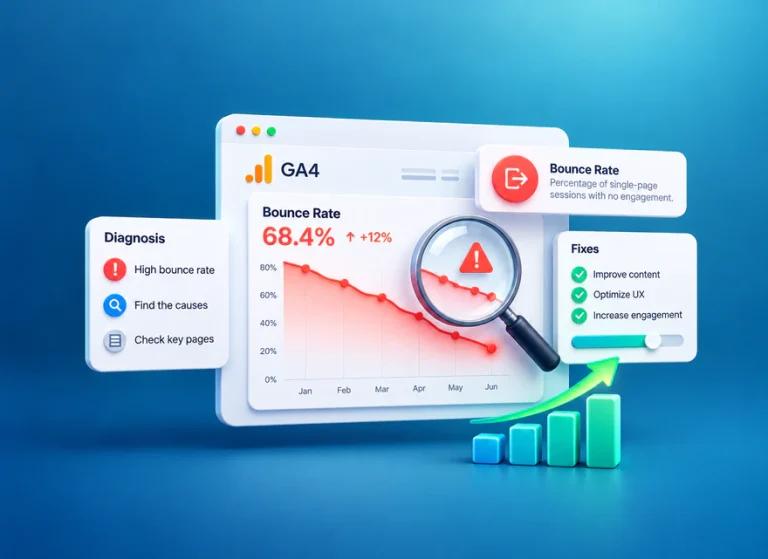
Different patterns suggest different questions. If impressions decline across many pages, check indexing, technical changes, seasonality, demand, and whether competitors now satisfy the topic more effectively. If impressions rise while clicks remain flat, review the queries, search features, title, description, and whether the page is appearing for a broader but less relevant audience.
Impressions are rising but CTR is falling
This is not automatically a problem. A page may have started appearing for more queries or in lower positions, increasing impressions faster than clicks. Filter the report by page and query, compare similar periods, and identify whether the new exposure is relevant before rewriting the title.
Average position is stable but clicks decline
Look for changes in demand, search-result layouts, competing titles, devices, countries, and branded versus non-branded queries. Average position summarizes many appearances and can hide meaningful movement within individual query groups.
Clicks rise but conversions do not
Inspect the landing-page promise, audience, geographic fit, device experience, tracking, conversion path, and offer. More search visits are useful only when the page serves the right people and supports an appropriate action.
One page loses traffic after another page grows
Check whether multiple URLs target the same intent. Compare their queries, canonical signals, internal links, and content purpose. Consolidate only when the pages truly overlap; otherwise clarify the distinct role of each URL.
A practical 30-day Google traffic plan
Use this four-week sequence to diagnose a small group of priority pages, improve them, distribute the result, and measure qualified outcomes.
Week 1: diagnose
Select three to five priority pages. Verify indexing, analytics, conversion tracking, mobile rendering, internal links, and current query performance. Record the baseline before editing.
Week 2: improve relevance and presentation
Align each page with intent, strengthen the opening, update inaccurate details, improve headings, and make the next step clear. Rewrite titles and meta descriptions only when the existing search presentation can be made more accurate and useful.
Week 3: connect and distribute
Add contextual internal links from relevant pages, repair broken paths, and share each improved resource with suitable audiences. Do not distribute identical promotional copy everywhere.
Week 4: evaluate and plan the next cycle
Review impressions, clicks, CTR, average position, engagement, conversions, and lead quality. Keep changes that create qualified outcomes, revise weak pages, and select the next manageable group based on evidence.
Common mistakes that reduce Google traffic
- Tracking rankings while ignoring clicks, conversions, and business value.
- Targeting broad keywords that do not match the offer or page format.
- Publishing thin pages for many near-identical phrases.
- Assuming social visits, advertising, or purchased traffic guarantee organic rankings.
- Changing URLs without redirects or updating internal links.
- Adding new words or dates without improving accuracy or usefulness.
- Buying manipulative links or using automated link schemes.
- Making several major changes at once without recording the test.
Final takeaway
Increasing Google traffic requires more than reaching a higher average position. Build pages that are crawlable, aligned with intent, helpful to people, compelling in search results, and easy to use after the click. Measure the complete journey and improve the combinations that create qualified traffic and meaningful business outcomes.
Frequently Asked Questions
Quick answers to common questions about increase Google traffic
Improve crawlability and indexing, align pages with search intent, publish helpful content, write accurate titles and descriptions, strengthen internal links, earn relevant mentions, and use Search Console to measure results.
No. A higher average position can increase visibility, but clicks also depend on the query, search layout, title, snippet, brand familiarity, competing results, and whether the page matches the user's intent.
Track Search Console impressions, clicks, CTR, queries, pages, and average position. Connect those metrics to analytics data such as engagement, conversions, revenue, lead quality, and retention.
There is no fixed timetable. Crawl frequency, indexing, competition, site history, content quality, technical implementation, links, and the speed of improvement all affect how quickly performance changes.
Paid advertising or purchased visits do not buy better organic positions. Traffic can still support testing and awareness, but organic visibility depends on eligibility, relevance, helpful content, links, and the overall page experience.

Comments
Leave a Comment