


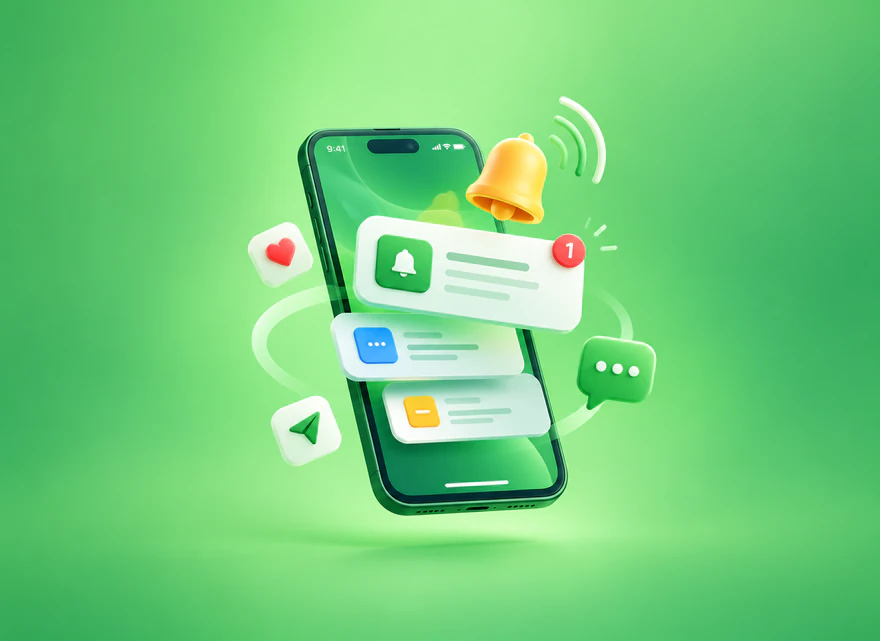
Learn what push notifications are, how web and mobile push work, their benefits, common campaign types, permission requirements, best practices, and the metrics that reveal whether they work.
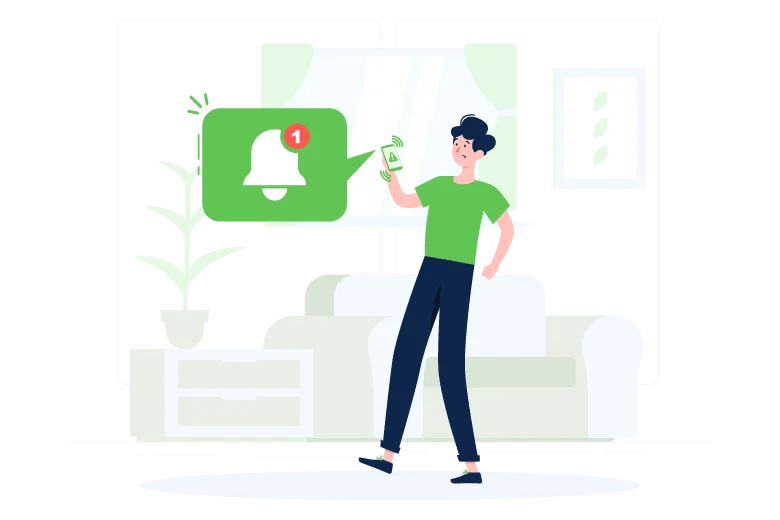
Push notifications are short, timely messages that a website or mobile app can send to a user’s device after the user grants permission. They can alert people to an order update, a new message, a price change, fresh content, or another event that matters. Used carefully, push notifications bring users back at the right moment. Used too often, they become noise and quickly lose permission.
This guide explains how push notifications work, the main types, their benefits and limitations, and the practices that make a campaign useful instead of intrusive.
What are push notifications?
A push notification normally contains a short title, supporting text, an icon or image, and an action that opens a specific page or screen. Unlike email or SMS, a web push subscription does not require the user to give the publisher an email address or phone number. The browser or app creates a subscription that allows an authorized push service to deliver messages to that device.
A notification is the message displayed by the operating system or browser. Push is the delivery mechanism that lets a server trigger that message even when the website is not currently open. This distinction matters because a product can show an in-app notification without using push, while web push relies on browser support, permission, a service worker, and a valid subscription.
How push notifications work
1. The user sees a clear value proposition
Before showing the browser or operating-system prompt, explain what the user will receive. “Enable notifications” is vague; “Get delivery updates and price-drop alerts” creates a specific expectation. Ask after a meaningful action—such as saving an item or tracking an order—not immediately on the first page view.
2. The browser or app records permission
The user can allow or block notifications. On the web, permission is handled by the Notifications API. A service worker and the Push API manage the subscription and receive messages in the background. Mobile apps use platform services such as Firebase Cloud Messaging for many Android implementations and Apple Push Notification service for Apple platforms.
3. A server sends a targeted message
The business sends a payload through the appropriate push service. The device receives it, and the service worker or app decides how to display and handle the notification. A deep link should take the user directly to the promised destination instead of dropping them on a generic home page.
Push notifications vs. email and SMS
Push, email, and SMS solve different problems. Push is fast, visible, and useful for concise updates, but it has limited space and depends on device permission. Email supports longer explanations and is easier to search later. SMS can reach users without an app or browser subscription, but it requires a phone number and may carry messaging costs or stricter local rules.
The best channel depends on urgency, user expectation, message length, and consent. A shipping alert may suit push or SMS, while a detailed monthly report belongs in email. Do not repeat every message across every channel; coordinate them so the user receives the right amount of information.
Main types of push notifications
Mobile app push notifications
These messages come from an installed mobile app. They can open a specific product, conversation, account screen, or workflow. App push is commonly used for delivery status, security alerts, reminders, social activity, and personalized recommendations.
Web push notifications
Web push is sent through a supported browser after the visitor subscribes. It can re-engage readers or customers without requiring an installed native app. Compatibility and permission behavior vary by browser and operating system, so test the actual devices used by your audience.
Desktop and mobile web push
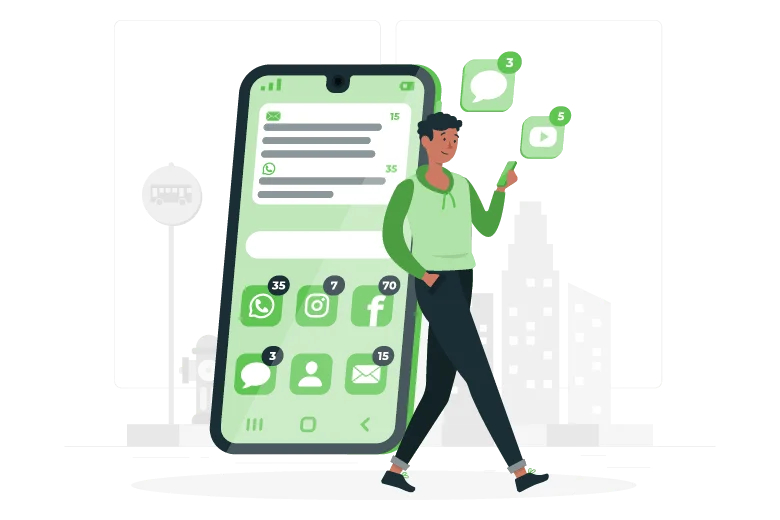
The same web subscription model can display notifications on desktop or mobile, but screen space, permission flows, and user context differ. Keep mobile copy especially concise and confirm that landing pages load quickly and work well on small screens.
Wearable and connected-device notifications
Smartwatches and connected devices can mirror or receive app notifications. Because these screens are small and highly personal, reserve them for information that is immediately useful. A concise status change is appropriate; a long promotional message is not.
Benefits of push notifications
Timely communication
Push can deliver time-sensitive information without waiting for the user to open an inbox. Order updates, appointment reminders, security events, and limited inventory alerts are strong use cases because the timing itself creates value.
Retention and re-engagement
A relevant reminder can bring an inactive user back to a saved task, new lesson, replenishment cycle, or abandoned checkout. Segmentation is essential: returning every user to the same generic page usually performs worse than matching the message to a known interest or action.
Direct access to a useful destination
Deep links reduce steps between the notification and the intended action. A user who taps a delivery alert should see the order status; someone who taps a new-article alert should land on that article. This alignment improves trust and makes conversion measurement clearer.
Flexible testing and personalization
Teams can test timing, copy, images, audience segments, and destinations. Personalization should rely on relevant, responsibly collected data—not unnecessary personal details. The goal is usefulness, not demonstrating how much the company knows about someone.

Bring targeted visitors to your site and measure how effectively your pages and notifications drive action.
Push notification campaign examples
Transactional updates
Receipts, shipping changes, account activity, and service interruptions are expected and action-oriented. Keep them factual and provide a direct path to details or support.
Abandoned-cart reminders
A reminder can recover an unfinished purchase when it arrives within a reasonable period and reflects the actual cart. Avoid artificial scarcity or repeated pressure. Let users stop these reminders without disabling every useful notification.
Content and product alerts
Publishers can notify subscribers about selected topics, while stores can offer back-in-stock or price-drop alerts. Preference controls are valuable because not every subscriber wants every update.
Promotional campaigns
Promotions should be clearly identified, relevant to the audience, and consistent with the permission originally requested. A person who enabled order updates did not automatically ask for daily sales messages.
Best practices for effective push notifications
- Ask at the right moment: explain the benefit first and trigger the permission prompt after a relevant user action.
- Set expectations: state the topics and likely frequency before subscription.
- Segment responsibly: use behavior, lifecycle stage, or stated preferences to improve relevance.
- Write concise copy: lead with the useful information and avoid vague clickbait.
- Use accurate deep links: open the page or screen promised by the message.
- Respect time zones: avoid unnecessary alerts during sleep or work hours.
- Control frequency: monitor fatigue and cap promotional sends.
- Provide easy opt-out: make notification preferences simple to find and honor changes promptly.
- Protect privacy: minimize collected data, document consent, and follow applicable laws and platform policies.
Metrics to track
Measure permission opt-in rate, delivery rate, click-through rate, conversion or key-event rate, unsubscribe rate, and revenue or retention where appropriate. A high click rate with a rising unsubscribe rate is not a healthy result. Compare message categories, audiences, devices, and time windows, and use controlled tests when possible.
Delivery does not mean the notification was read, and clicks do not prove business value. Define the next meaningful action—such as completing a purchase, reading an article, or returning to an active workflow—and measure the full path.
Final takeaway
Push notifications work best when they deliver information users genuinely expect at a useful moment. Start with a clear permission experience, send fewer and more relevant messages, link directly to the promised destination, and evaluate outcomes beyond clicks. Respect for attention is the foundation of sustainable push-notification performance.
Frequently Asked Questions
Quick answers to common questions about push notifications
Push notifications are short messages sent by a website or app to a user’s device after permission is granted. They can appear even when the website or app is not open and typically include a title, message, icon, and destination link.
Web push is delivered through a supported browser and uses a service worker and push subscription. Mobile app push is delivered through an installed app using platform services such as Firebase Cloud Messaging or Apple Push Notification service.
Yes. Websites and apps should request permission clearly and at a moment when the user understands the benefit. Permission prompts shown immediately on arrival often feel intrusive and can reduce opt-in rates.
There is no universal frequency. Send only relevant and timely messages, allow preference controls, monitor opt-outs and dismissals, and reduce frequency when engagement declines. Urgency should be reserved for genuinely time-sensitive information.
Track permission opt-in rate, delivery rate, click-through rate, conversion or key-event rate, unsubscribe rate, and revenue or retention when relevant. Compare results by message type, audience segment, device, and campaign.


Comments
Leave a Comment